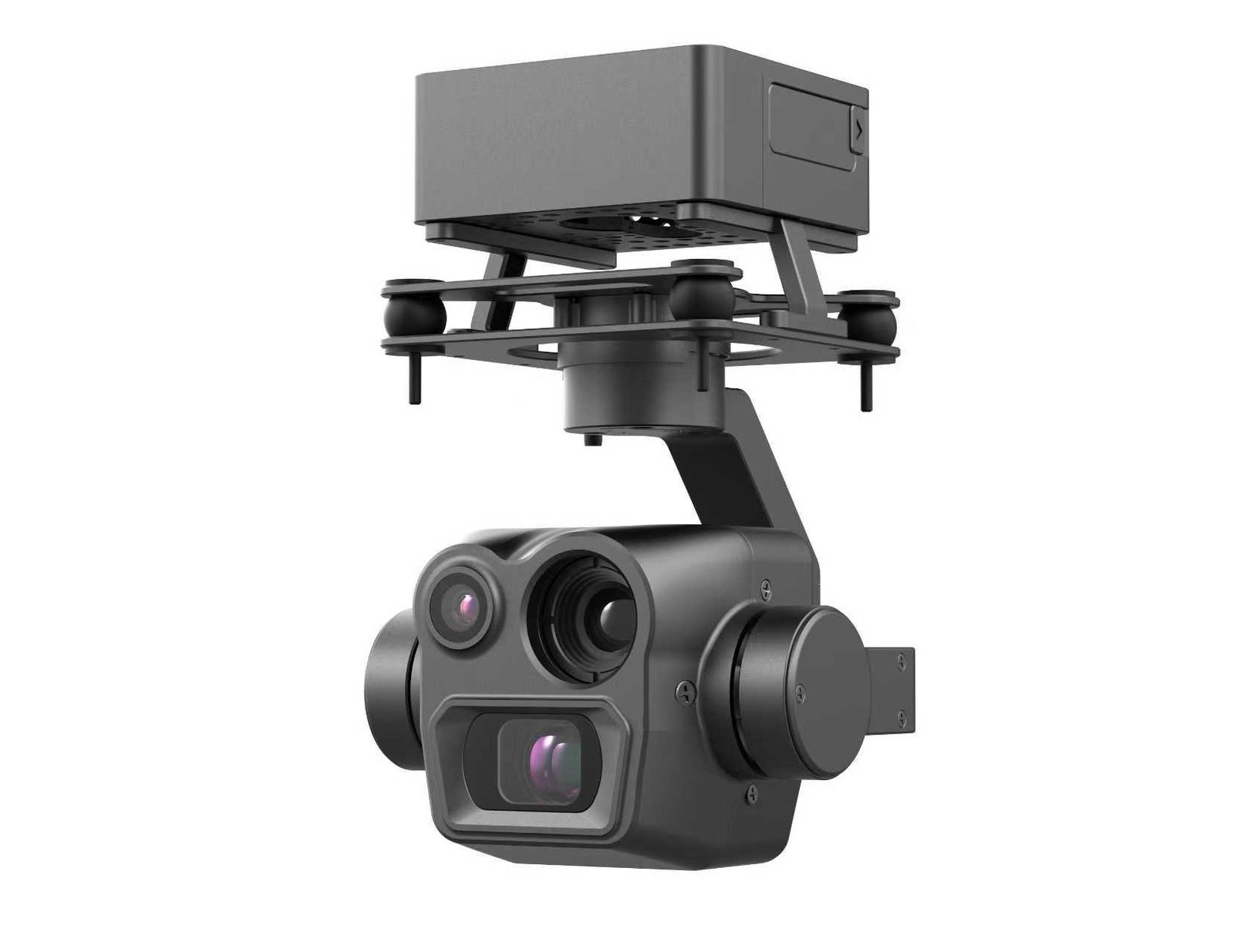
Thermal + Zoom Dual Sensor: See Far, Detect Hot
Finding one faulty solar cell among thousands by eye means checking panel by panel. Searching for a person in tall grass at night with a flashlight is hopeless. Thermal imaging can do both jobs — but thermal alone always falls just short.
Thermal sees temperature differences, yet its resolution is structurally lower than visible light: a 640×512 infrared chip has a fraction of the pixel density of a same-class visible sensor. It sees, but not clearly. It reaches far, but not sharply. That is why the gimbals that actually do the work pair thermal with zoom — thermal finds, zoom confirms.
This article covers how the dual-sensor combo works, how to read the specs, and how to choose among our product lines.
Why Thermal Alone Is Not Enough
Thermal's weakness is written into the physics: infrared detectors have large pixel pitch and low resolution, and thermal radiation itself carries fewer details — so the image is inherently soft.
In numbers: 640×512 is the mainstream high-end thermal resolution — but 640×512 as a visible sensor was 20-year-old technology. The result:
- Blurry at range: at 500 m, thermal shows "something warm", not whether it is a person, a car or an animal.
- Detail identification fails: hot spots, corrosion and switchgear overheating can be located to "that area", not "that exact point".
- Environmental noise: direct sun, ground reflection and overlapping heat sources all muddy the thermal picture.
Thermal's role is search — finding abnormal heat sources across a wide area quickly. Confirmation is not its job.
How Zoom Closes the Gap: Search First, Then Confirm
A dual-sensor workflow is two steps:
- Search on the wide or thermal channel. Sweep the area; thermal flags an anomaly, the wide camera confirms where it is.
- Confirm on the zoom channel. Switch to zoom, pull the target close, and see whether it is a cracked cell, a corrosion point, or a person moving.
That second step is what closes the mission. On the CGTT215: 48MP continuous optical zoom + 120X hybrid zoom with 1500 m daytime recognition — after thermal finds the spot, zoom confirms it without flying closer.
At night the roles flip: visible light bows out, the thermal channel carries the mission and a thermal telephoto adds range. The CGTT170's thermal telephoto reaches 300 m night recognition — at night, scan with thermal, confirm details with the telephoto.
How to Read the Specs: Four Numbers on a Dual-Sensor Gimbal
| Spec | What it tells you | Example (CGTT215) |
|---|---|---|
| Visible resolution | Daytime detail clarity | 50MP wide + 48MP zoom |
| Optical zoom range | How close it can pull, still sharp | Continuous optical + 120X hybrid |
| Thermal resolution | Night / hot-spot capability | 640×512 |
| Recognition distance | How far it identifies targets, day/night | 1500 m daytime |
How to pick among the three thermal tiers (CPDD075GT series):
- 256×192: entry — hot-spot work inside ~100 m, lowest cost
- 384×288: mainstream — the workhorse for mid-range inspection and enforcement
- 640×512: high-end — long-range night identification and fine thermal analysis
Keep one rule in mind: thermal resolution decides "how far you recognize at night", optical zoom decides "how clearly you see in daylight." Read both numbers together — that is the real level of a dual-sensor system. Solar farms are the classic use case: thermal flags suspicious cells, zoom confirms hot spot versus dirt — the full workflow is in our solar panel thermal inspection guide. Power line inspection runs the same way; our power line inspection guide covers the end-to-end flow.
Picking the Right Model
| Model | Combo | Core capability | Best for |
|---|---|---|---|
| CGTD070A/B | Visible + 640×512 thermal | 120 m night recognition | Close-range night inspection |
| CPDD075GT1/2/3 | 50MP + thermal tiers | Thermal selectable (from 256×192) | Lightweight dual-sensor entry |
| CGTT170 | 50MP + thermal telephoto + 1200 m laser | 300 m night recognition | Night search & rescue, enforcement |
| CGTT215 | 50MP + 48MP zoom + 640×512 thermal | 120X hybrid zoom, 1500 m daytime | Long-range solar/power inspection |
| CGTF270 | Quad: wide + zoom + thermal + laser | 1500 m day + 300 m night | All-round flagship |
Three-line answer:
- Mostly daytime, occasional night: CGTT215 — 1500 m daytime recognition is the hard sell.
- Heavy night workload, need range: CGTT170 — thermal telephoto at 300 m night.
- Every scenario, budget available: CGTF270 — quad-sensor, day and night in one gimbal.
Three Common Traps
Trap one: higher thermal resolution is always better. 640×512 does see farther than 384×288, but it also costs more and draws more. Day-dominant inspection is fine at 384×288; only long-range night work justifies 640×512. Paying for resolution you will never use is paying unnecessarily.
Trap two: thermal replaces visible light. It cannot. Thermal cannot read text, color or nameplates — only visible light can. The value of dual-sensor is complementary, not substitutive.
Trap three: trusting the marketing zoom multiplier. Look only at "optical zoom range" and "recognition distance". The advertised total multiplier (digital zoom padding) has no reference value.
Wrapping Up
Thermal + zoom dual-sensor in one line: thermal discovers the anomaly, zoom confirms the detail, day and night. Remember the two numbers: thermal resolution (night recognition range) and optical zoom (daytime clarity at distance).
Not sure which dual-sensor gimbal fits your mission? Send us the scenario (solar / power / SAR / security), the main operating hours and your airframe model. Our technical team will reverse-engineer the configuration from your "daytime detail + nighttime hot spot" needs. Use the chat button in the corner or drop an inquiry.